
















Faster AI answers, smart screenshot modes and Dual-Device viewing.

Sensei AI Copilot for Every Interview
100% Invisible, Real-Time AI Guidance

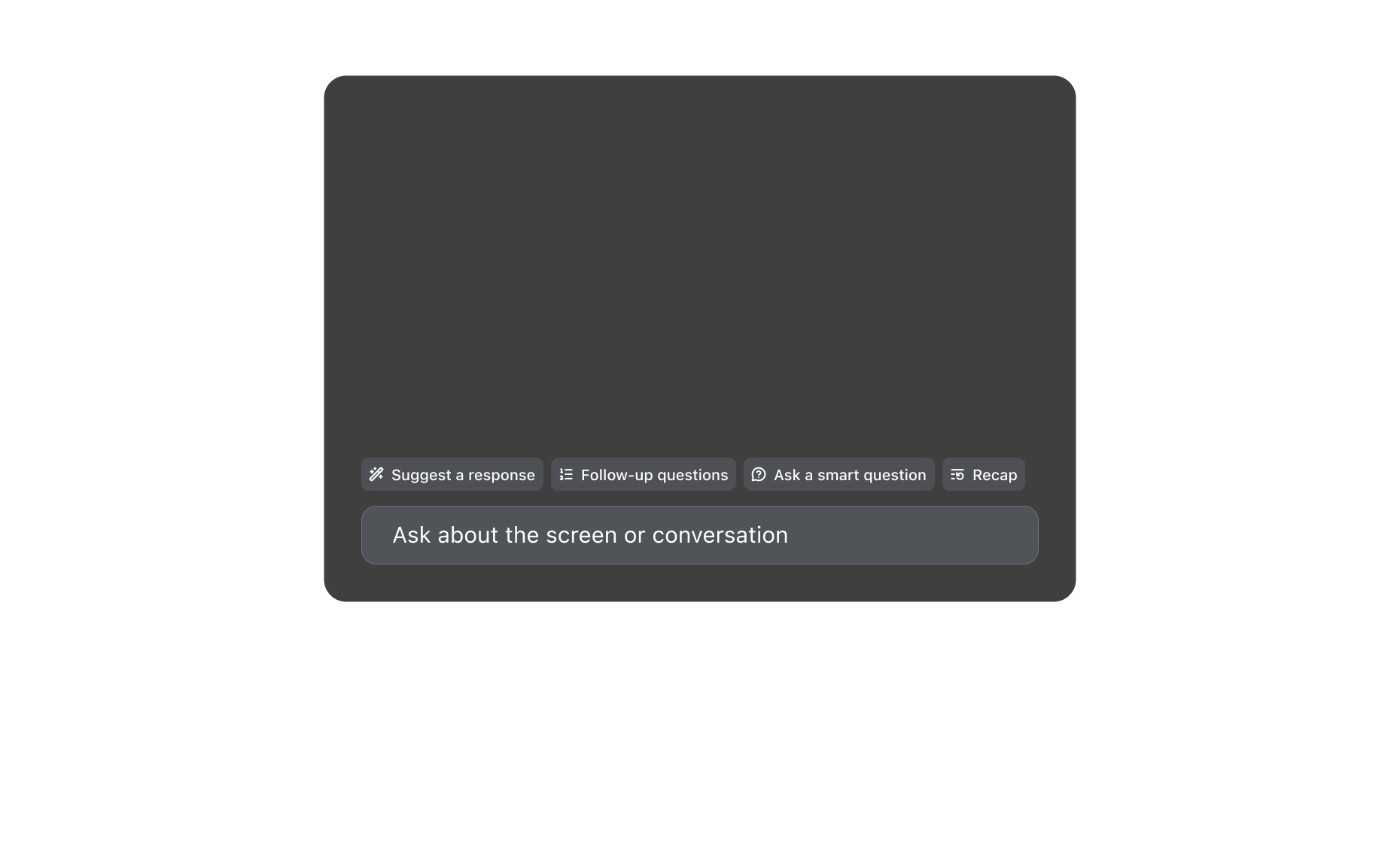
Sensei AI listens to live questions, analyzes coding tasks, and delivers instant answers via a zero-trace desktop overlay or phone. Completely undetectable during screen sharing.

30+ Languages Supported
3 Smart Screenshot Modes
2 Viewing Options
3+ Core Interview Types
Google
Amazon
Databricks
Netflix
PayPal
Coinbase
Microsoft
Citi
IBM
Goldman Sachs
Intel
NVIDIA
McKinsey & Company
JPMorgan Chase

Meet Your Sensei AI Interview Copilot

From your first HR screening to a difficult technical interview, Sensei AI brings real-time answers, personalized context and flexible viewing into one interview assistant.

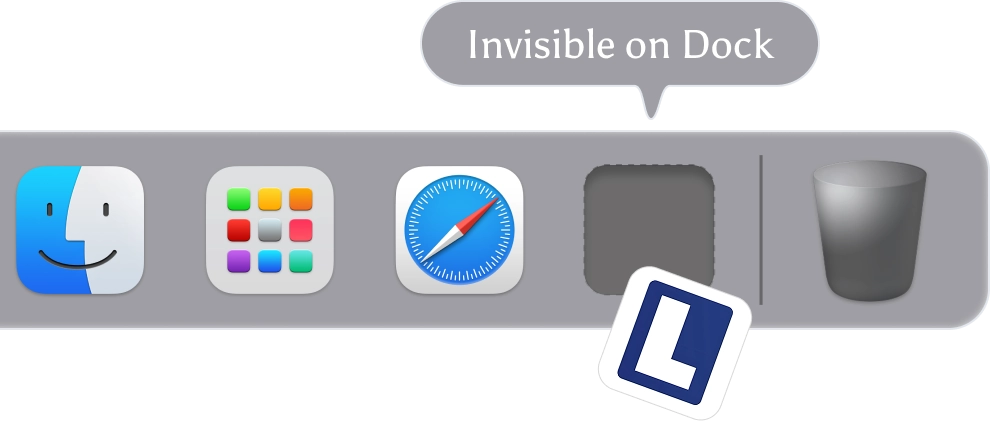
An Invisible Overlay for Screen Sharing

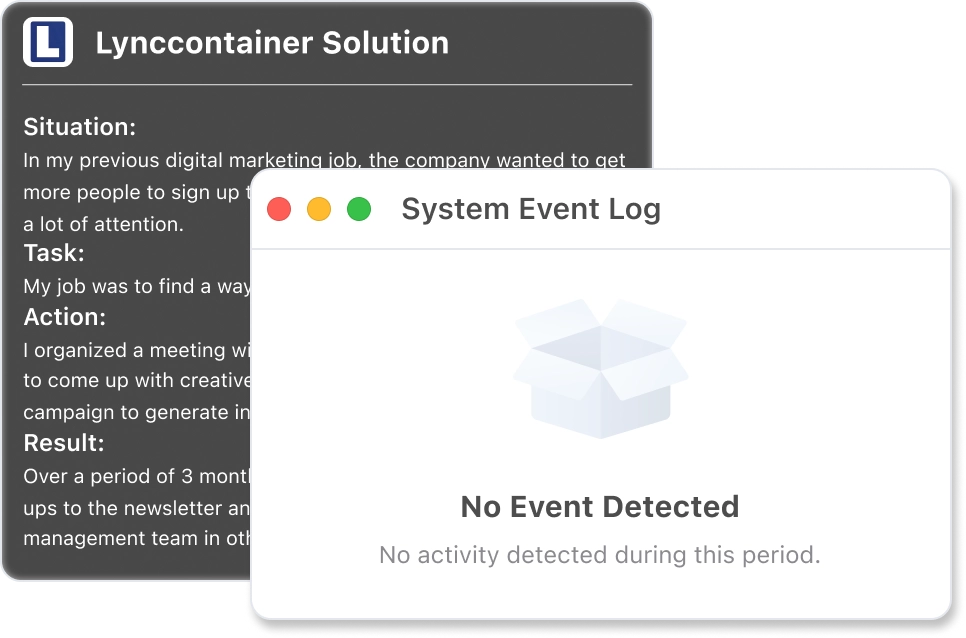
Keep AI suggestions on your own desktop without displaying the overlay in supported screen shares or recordings. Sensei AI is designed to stay out of the interviewer's view while you read answers and keep your conversation moving.


Works with Zoom, Google Meet, Microsoft Teams & More

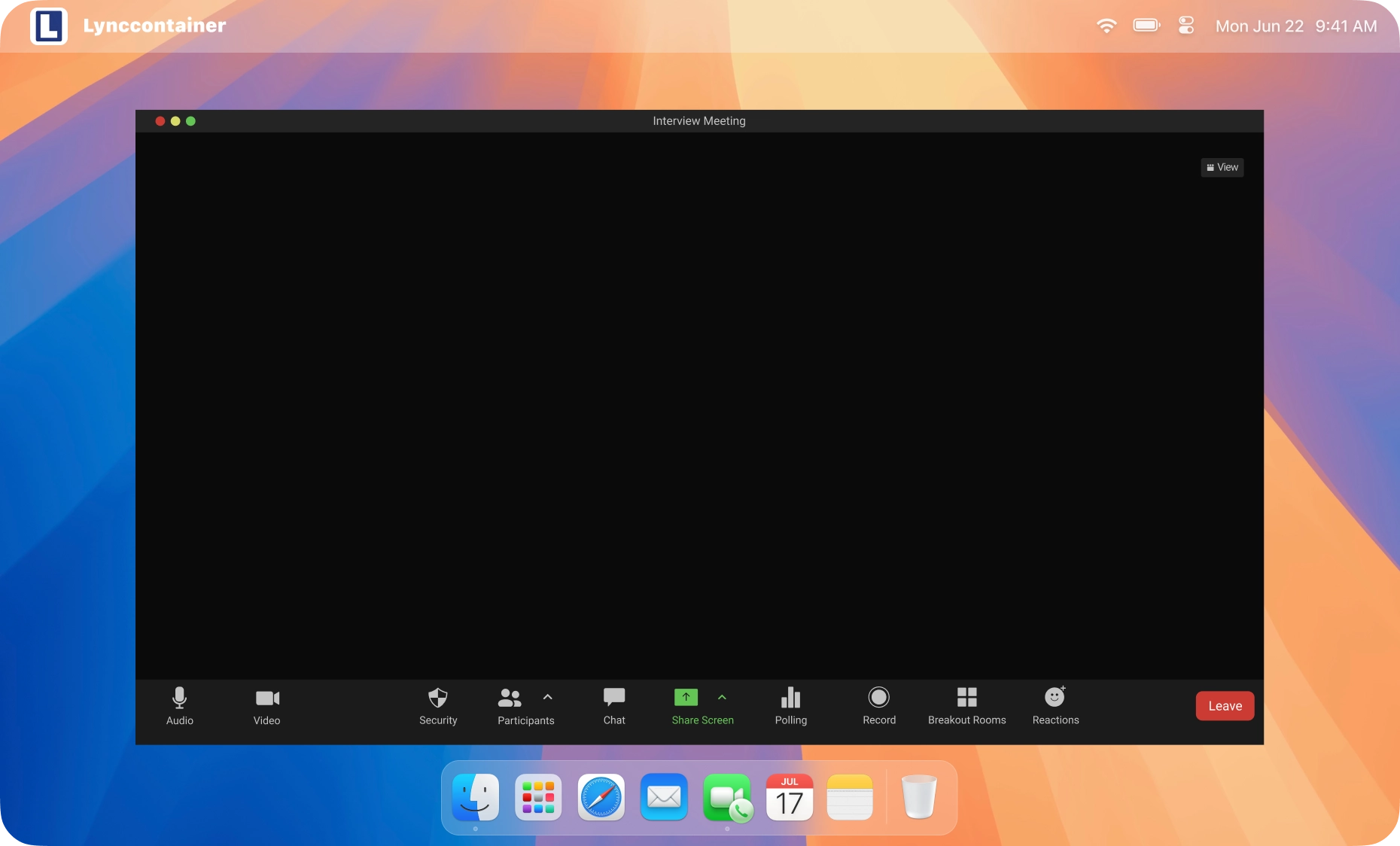
Sensei AI supports Zoom, Google Meet, Microsoft Teams, Webex, and browser-based interviews. Zoom's desktop app requires a specific setup step to hide the overlay during screen sharing. Other supported platforms don't need this step.

Center Icon
Google
Coderpad
Teams
CodeSignal
HackerRank
Zoom
Lark
Webex

Answers Personalized to Your Resume and Job Description

Add your resume, the job description and your preferred answer style before the interview. Sensei AI uses this context to suggest examples, terminology and talking points that fit your experience and the role you're applying for.

Your Resume
Job Description
Resume-Based AI Answers
Role-Specific Guidance
Interview-Ready Examples
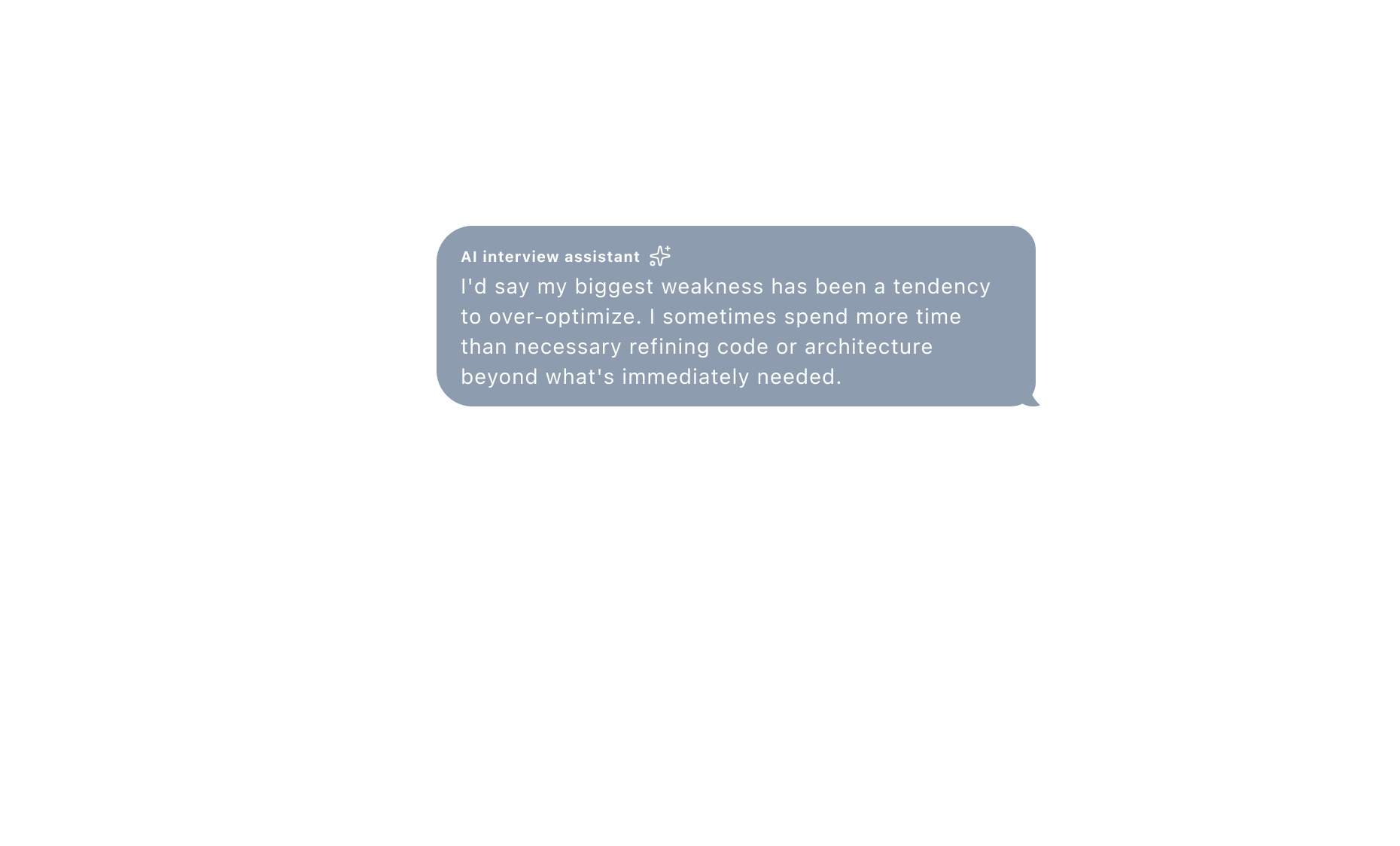
Natural-Sounding Answers

AI Interview Support in 30+ Languages

Interview in the language that works for you. Sensei AI recognizes questions and generates suggested answers in more than 30 languages, helping you prepare for both local and international opportunities.

こんにちはHalloПриветMerhabaHolaXin chàoKumusta
你好Cześć안녕하세요नमस्तेHeloสวัสดี
BonjourHelloOláCiaoمرحبًاПривітHalo

Fast Answers That Follow the Conversation

Sensei AI responds to audio coming from your computer, including the interviewer's questions. It keeps track of the discussion to suggest concise, context-aware answers when a new question or unexpected follow-up appears.

AI Interviewer
Sensei AI

One AI Assistant for Different Interview Types

Use Sensei AI for behavioral interviews, HR screenings, coding interviews, system design, product management, finance and more. Switch between quick talking points and detailed explanations depending on what the question needs.

Coding interview
Behavioral interview
System design interview
Product interview
Finance interview
Watch Sensei AI Interview Copilot in Action

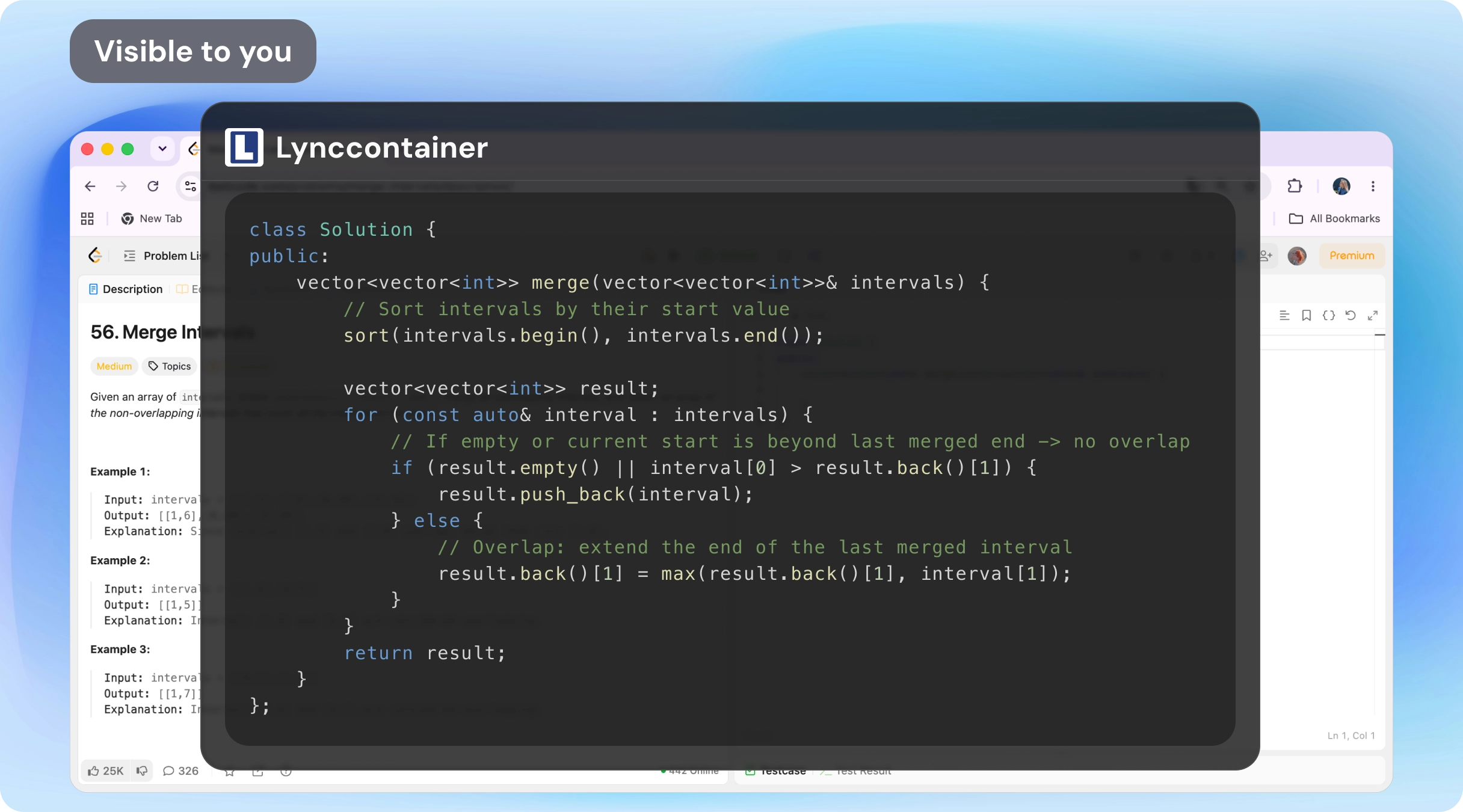
A Real-Time AI Interview Assistant for Coding and System Design

Stay focused on the technical problem in front of you. Sensei AI combines the interviewer's spoken questions with on-screen context to suggest code, debugging ideas, architectural trade-offs and clearer explanations of your solution.

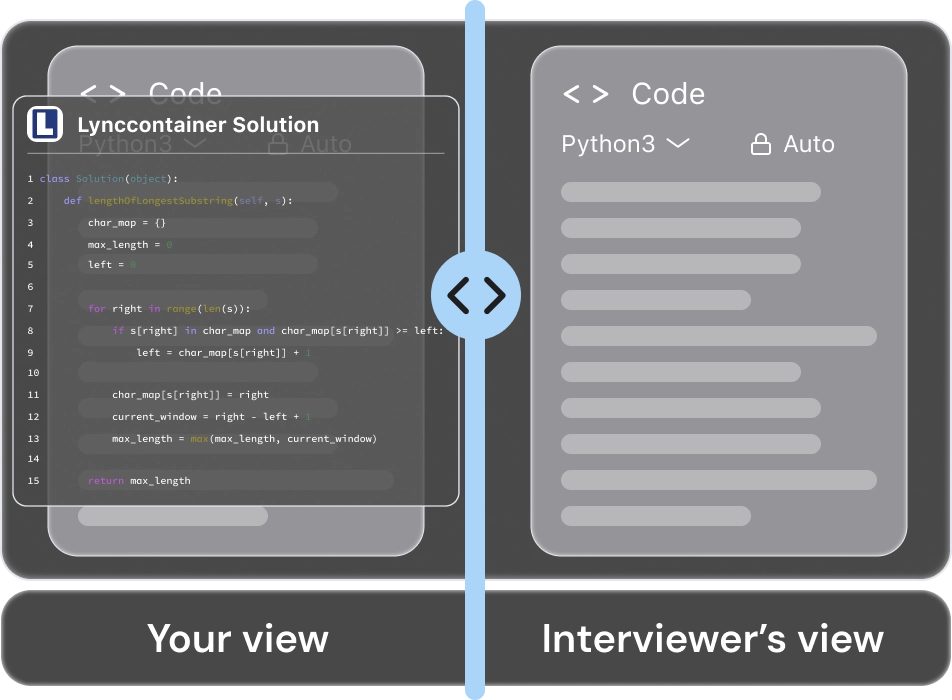
Coding interview screen without Sensei AI overlay
Sensei AI overlay visible only to you

Only You See the Overlay

Completely invisible in supported screen sharing and recordings.

Technical Help in Real Time

Get instant guidance from initial requirements to complete code and explanation.

Built for Follow-Up Questions

Master complexity, edge cases, system bottlenecks, and scalability on the fly.

Discreet AI Interview Help, Built Around Your Workflow

Sensei AI keeps interview guidance unobtrusive, with a desktop overlay designed for private viewing while you share your work and discuss your answers.

Sensei AI Reviews
& Real Interview Assistant Experiences

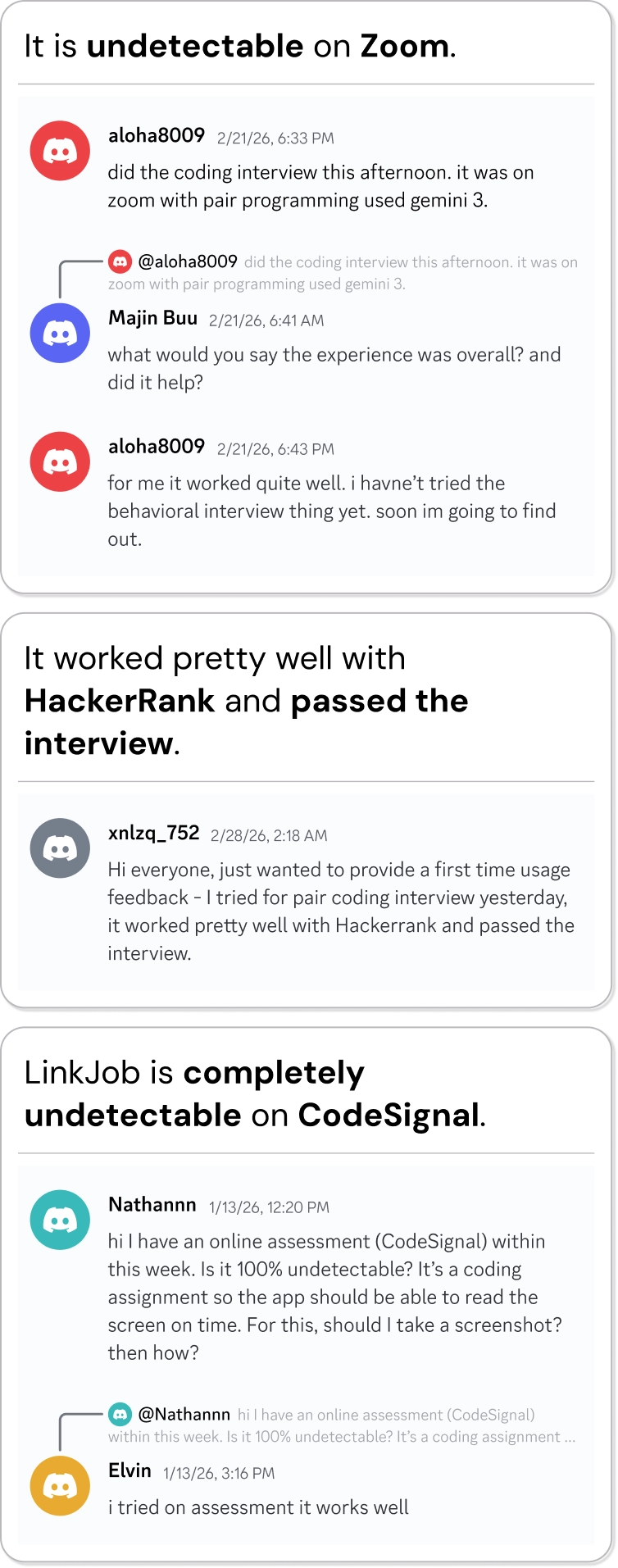
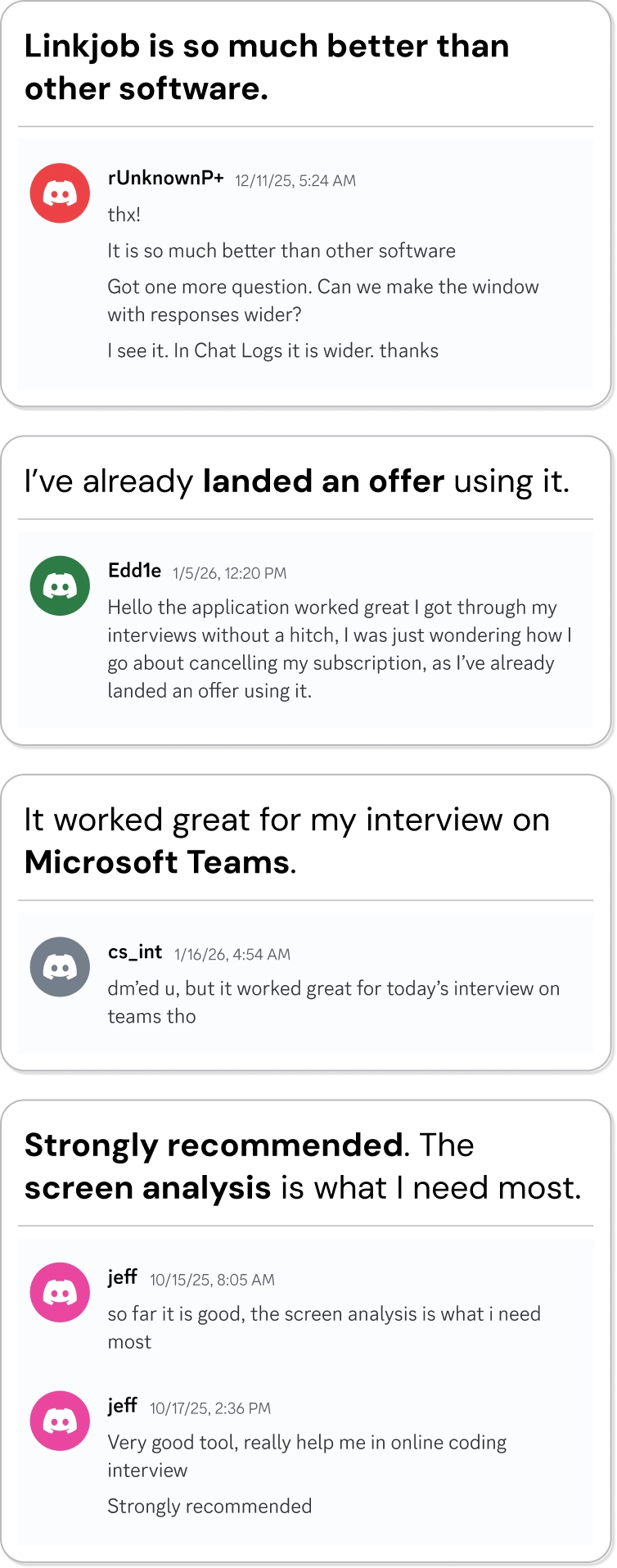
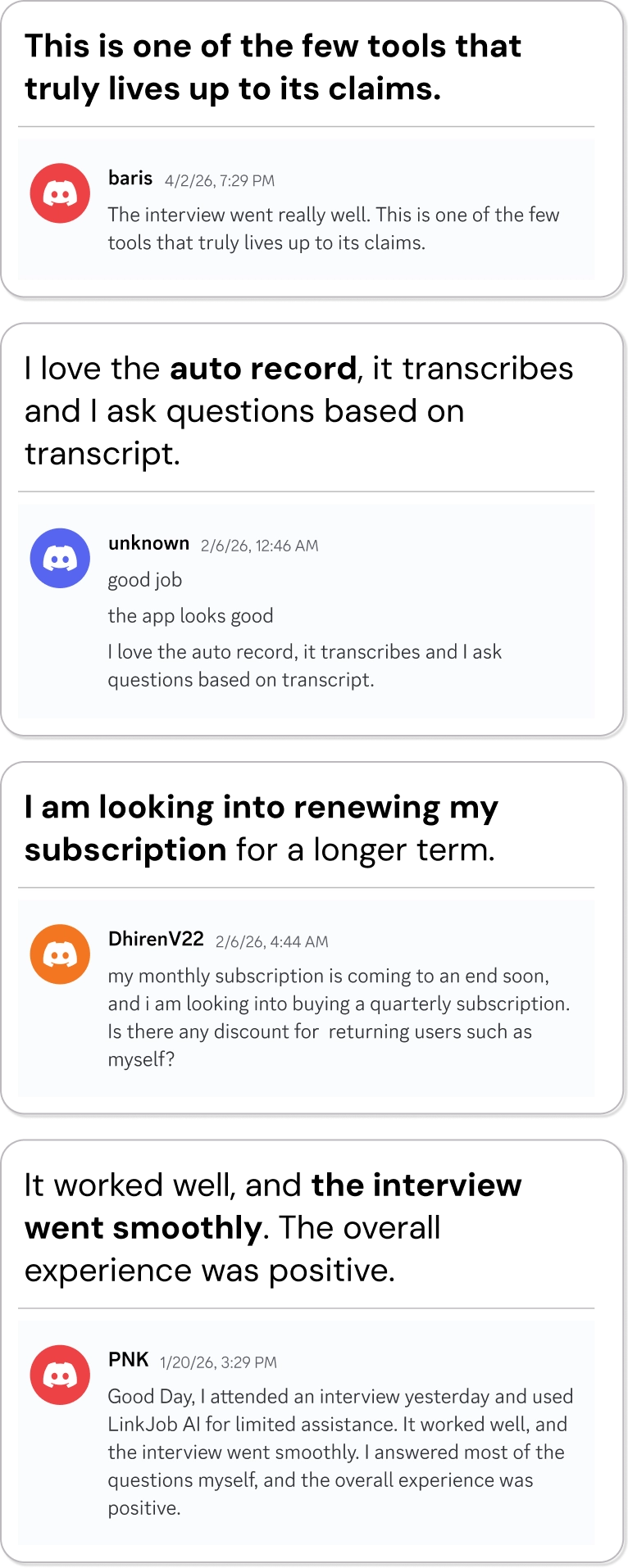
See how real users describe the interview assistant experience, from more natural conversations to coding screenshots and tailored responses.

testimonial column 1testimonial column 2testimonial column 3

Use Sensei AI on Your Interview Platform

From video interviews to technical assessment sites, explore setup guides and workflow examples for common interview platforms. Use the desktop overlay for supported screen-sharing and regular-browser sessions, and choose phone viewing when you need a separate display.

Keep Your Sensei AI Answers Where You Need Them

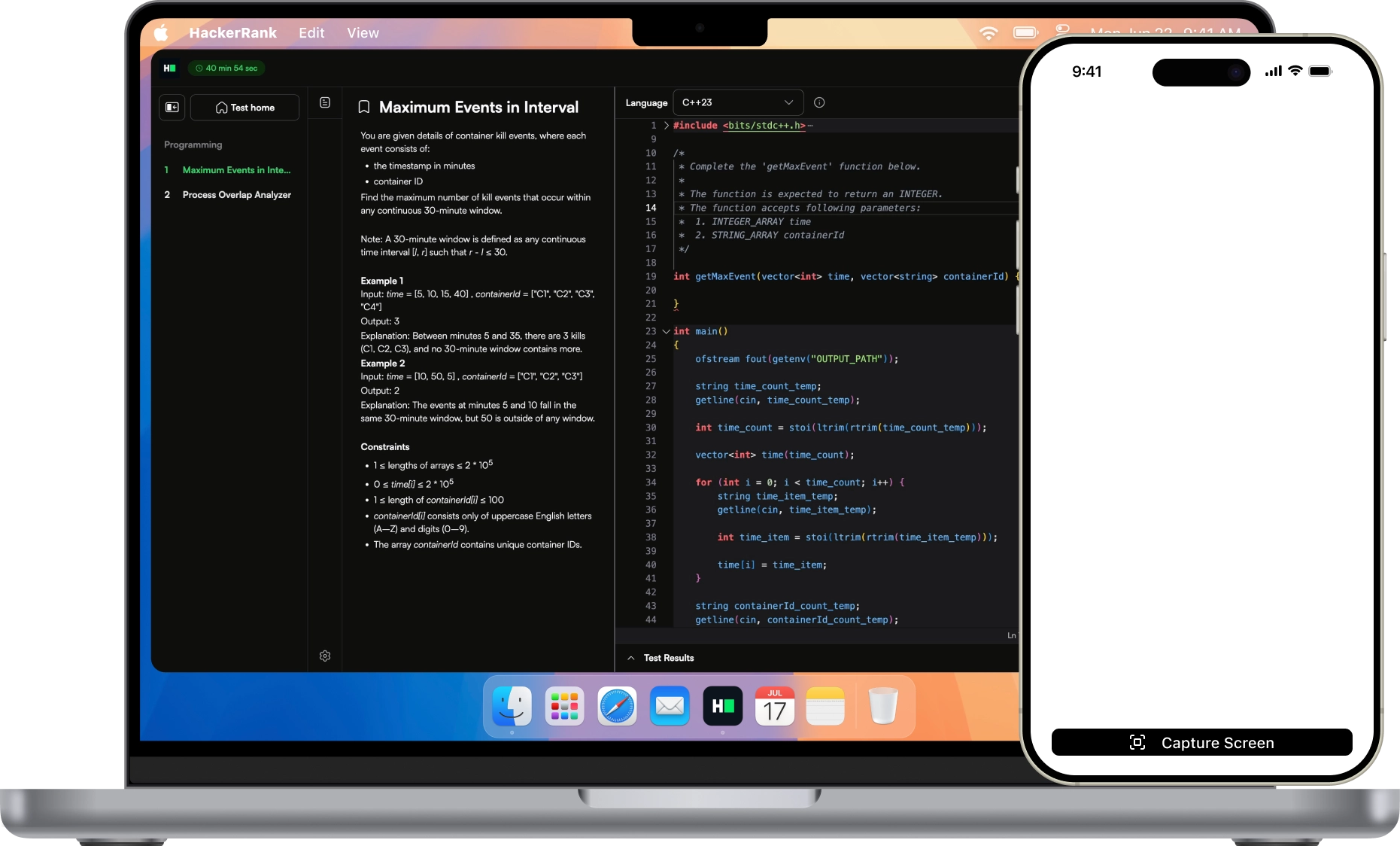
Choose the viewing setup that matches your interview. Use the invisible desktop overlay during supported meetings and regular browser-based sessions, or enable Dual-Device Mode to read live answers on your phone while Sensei AI runs on your computer.

Code, Debugging, DSA and System Design

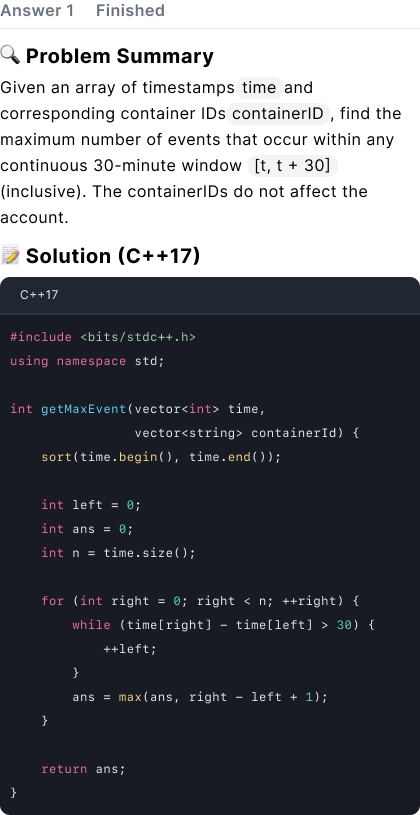
Work through data structures and algorithms, Python, Java, JavaScript, C++ and other common programming languages. Get help comparing approaches, spotting edge cases, explaining time and space complexity, or discussing architecture, databases and scalability.

Supported Interview Platforms & Setup Guides

  • Zoom Zoom
    Oct 2026
  • Google Meet Google Meet
    Oct 2026
  • Lark Lark
    Oct 2026
  • Cisco Webex Cisco Webex
    Oct 2026
  • CoderPad CoderPad
    Oct 2026
  • CodeSignal CodeSignal
    Oct 2026
  • HackerRank HackerRank
    Oct 2026
  • Microsoft Teams Microsoft Teams
    Oct 2026

Sensei AI FAQ: Everything You Need to Know

Have questions about your Sensei AI interview copilot, pricing, login, or setup? Explore the answers below, contact our support team, or join our Discord community.

Sensei AI Copilot is a real-time AI interview assistant for live conversations, technical interviews, and practice sessions. It responds to interview questions coming through your computer audio, uses your resume and job description to personalize answer suggestions, and can analyze screenshots of coding tasks, diagrams, and other visual prompts.

You can use Sensei AI during behavioral interviews, coding challenges, system design discussions, and mock interviews.
Yes. Sensei AI offers a free 30-minute trial so you can test real-time interview assistance, coding support, screenshot analysis, and personalized answers before purchasing a plan. Your trial begins when you activate it. Gemini 3 Flash is available for trial use, while paid plans unlock additional advanced AI models.
Sensei AI pricing includes monthly, quarterly, annual, and lifetime plans. Your options differ by membership duration and access to AI models. Visit the Sensei AI Pricing section to review current prices and choose the plan that works best for your interview needs.
Download the latest Sensei AI desktop app and sign in with your registered email address. If you've purchased a membership, use the email address linked to your purchase so the app can recognize your plan.

The latest desktop app uses email-based login instead of the previous activation-code login system. If you still see an activation-code prompt, install the latest version.
Both. Sensei AI Copilot provides real-time answer suggestions during live interviews and supports mock interview practice before your actual interview. It can help with HR screenings, behavioral questions, technical discussions, coding interviews, and system design follow-ups.
Yes. Sensei AI works alongside Zoom, Google Meet, Microsoft Teams, Webex, and other supported online interview platforms. Desktop versions are available for macOS, Windows, and Linux.

To check your audio setup, enable listening in Sensei AI, play a YouTube video on your computer, and confirm that the AI responds to the computer audio. Zoom desktop users must configure one required setting to ensure absolute invisibility during screen sharing. Other supported meeting platforms and browser-based Zoom meetings do not require this additional setting.
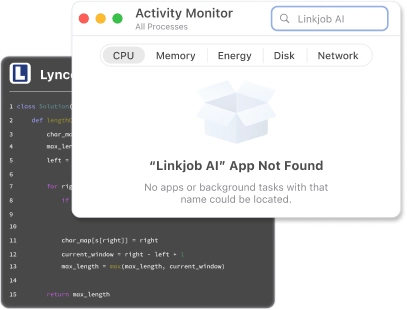
No. Sensei AI's desktop overlay is completely invisible to others during supported screen-sharing sessions and recordings, remaining visible solely on your own computer—even when sharing your entire screen.
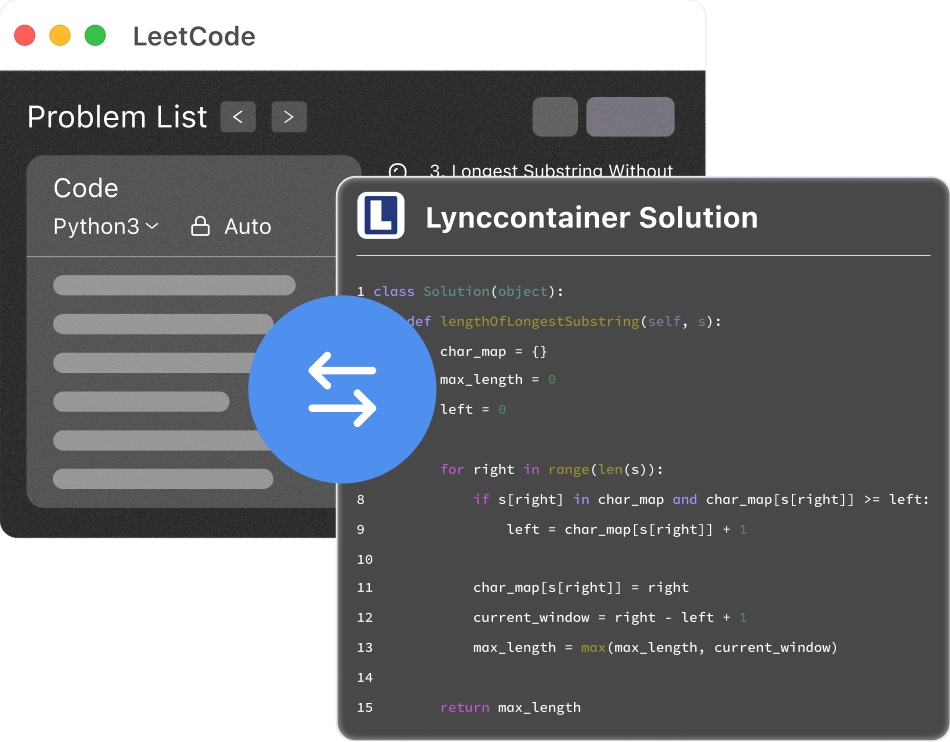
The Zoom desktop app requires one required setting. Other supported meeting platforms and browser-based meetings, including Zoom in a browser, require no extra settings. You can also view live answers seamlessly on your phone through Dual-Device Mode.
Yes. Sensei AI's coding copilot can analyze screenshots of coding problems, suggest solution approaches, and explain algorithms, data structures, debugging steps, time and space complexity, and edge cases.

For system design interviews, it can help organize discussions around architecture, databases, scalability, bottlenecks, and technical trade-offs.
Sensei AI offers three screenshot modes:

1. Auto Answer: Capture one screenshot and receive an immediate AI response based on your preset instructions.
2. Manual Control: Capture up to six screenshots, then type a custom prompt or use long-press speech-to-text before sending them to the AI.
3. Auto-Interval: Set a time interval for automatic screenshots and AI-generated responses.

These modes can also be used when you view answers on your phone through Dual-Device Mode.
The current Sensei AI Copilot is a downloadable desktop app for macOS, Windows, and Linux, rather than a Chrome extension. The desktop app supports computer-audio listening, screenshot analysis, and an interview answer overlay. It also works with Dual-Device Mode for viewing live answers on your phone. If you're following an older Sensei AI Chrome extension guide, use the current desktop app instructions instead.
Yes. For assessments involving strict desktop-monitoring software or locked browsers, Sensei AI provides Dual-Device Mode, where the assistant runs on your computer while live AI responses are displayed securely on your phone.

For regular browser-based assessments using the desktop overlay, ensure two requirements are met:
1. The test runs in a standard web browser rather than a dedicated monitoring client or locked browser.
2. Setup is completed prior to the test. Do not open Settings or use Cmd/Ctrl + \ to toggle app visibility once the test has started.
Yes. Add your resume, the job description, and any relevant preparation notes before your interview. Sensei AI uses this context to create personalized answer suggestions, role-specific guidance, and examples that reflect your experience. You can also use custom instructions to control answer length, tone, and detail.
Sensei AI offers Gemini 3 Flash for free-trial use and fast spoken interview questions. Paid plans unlock advanced model choices including GPT-6.1 Sol, Claude Opus 5.5, Gemini 4 Argon, and Grok-4.7.

For rapid behavioral questions, Gemini 3 Flash is a practical starting point. For complex coding, screenshot analysis, and system design, consider an advanced model such as Claude Opus 5.5, GPT-6.1 Sol, or Gemini 4 Argon.
Yes. Sensei AI supports 30+ languages, allowing you to receive real-time AI interview assistance in your preferred language. It can help with multilingual interviews, spoken questions, and personalized answers across supported languages.
Explore the Sensei AI reviews and product walkthroughs on our website, along with guides comparing AI interview assistants such as Final Round AI, Parakeet AI, Verve AI, and LockedIn AI. When comparing products, consider real-time interview support, model selection, coding features, screen sharing, pricing, and the setup required for your interview platform.
Yes. Sensei AI's Dual-Device Mode lets the app run on your desktop while AI-generated answers appear on your phone. It can be used with live interview audio and supported screenshot workflows, including Auto Answer, Manual Control, and Auto-Interval.

The phone displays incoming answers in real time; it does not provide a replay of previous responses.

Ready to Try Sensei AI Copilot in Your Next Interview?